CS474: Human Computer Interaction - Human Factors
Activity Goals
The goals of this activity are:- To define human factors in computing
- To describe the evolution from system-based engagement with technology to a more seamless task-based approach
Supplemental Reading
Feel free to visit these resources for supplemental background reading material.- A cartoon Mark Zuckerberg toured hurricane-struck Puerto Rico in virtual reality
- Mind-Controlled VR Game Really Works
- Glossary of HCI - Human Factors
- Adobe - 6 Ways to Reduce Cognitive Load
- Hick's Law
The Activity
Directions
Consider the activity models and answer the questions provided. First reflect on these questions on your own briefly, before discussing and comparing your thoughts with your group. Appoint one member of your group to discuss your findings with the class, and the rest of the group should help that member prepare their response. Answer each question individually from the activity, and compare with your group to prepare for our whole-class discussion. After class, think about the questions in the reflective prompt and respond to those individually in your notebook. Report out on areas of disagreement or items for which you and your group identified alternative approaches. Write down and report out questions you encountered along the way for group discussion.Model 1: Evolution of User Interfaces
Questions
- Run two applications in Windows 1.0. How might one copy data between two applications?
- In what ways does this differ from the way you engage with multiple tasks today? In what ways did this interface inform the modern Windows interface?
- How have we evolved from a system-based approach to user interfaces to a task-based approach?
Model 2: Human Factors
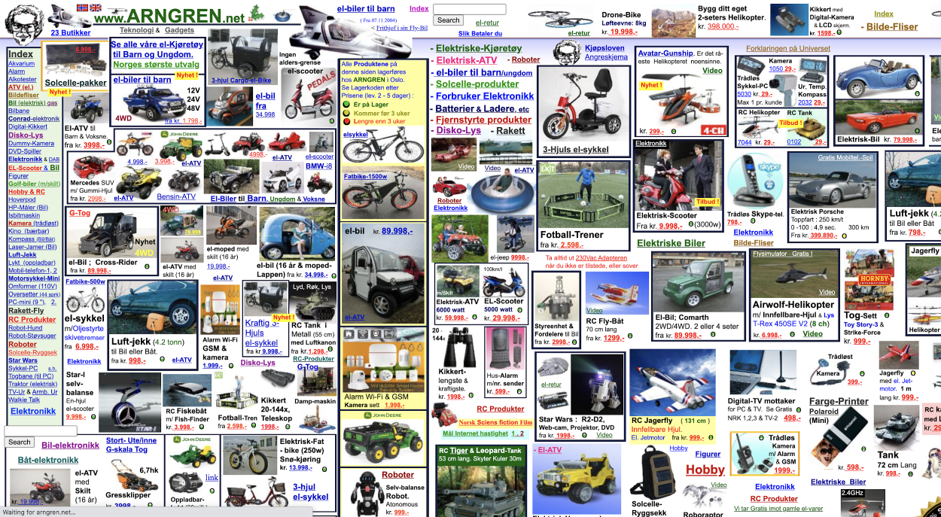
Questions
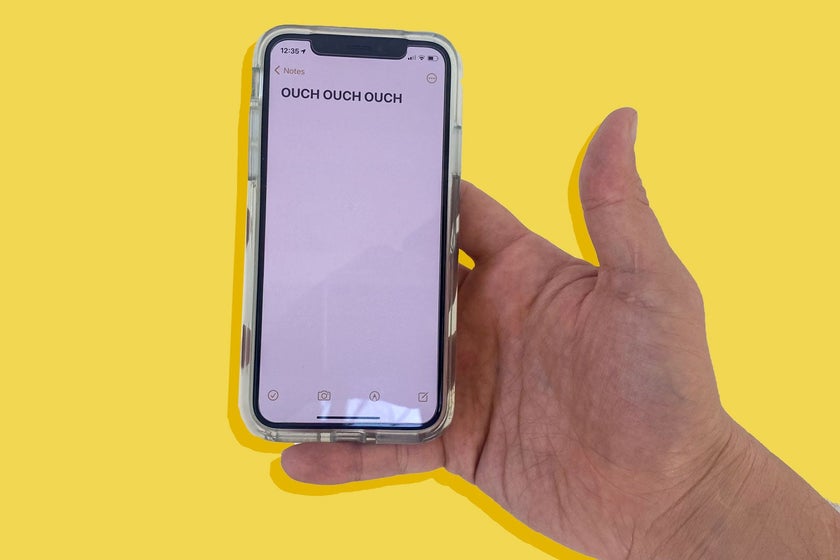
- What do you consider to be the ideal smart phone size, and why?
- Draw a graph with accuracy on one axis, and your reaction speed on the other. If you were to plot these against one another for some task, for example, for clicking a button as soon as it appears on the screen, how might this plot look?
- What other human factors might you account for when designing a software system?
- How and when should you evaluate the speed-accuracy tradeoff and other physiological and psychological human factors?
- How might human factors considerations change under different modalities; for example, looking at a button to click on it versus tapping it with a finger?
- Give your partner a number of choices (for example, where to go for lunch) for two or three questions, and measure how long it takes them to make a decision. Plot the time versus the number of choices. What do you observe? Did it follow the model given by Hick's Law?
Explore Further
These curated resources dig into the cognitive and perceptual foundations of human factors:
- Miller, G. A. (1956) - The Magical Number Seven, Plus or Minus Two — the full text of one of the most cited papers in psychology, on the limits of human working memory. You don’t need the math; read the introduction and conclusion and consider what “channel capacity” means for interface complexity.
- Laws of UX - Hick’s Law — a one-page visual summary showing that decision time grows with the number and complexity of choices; the design consequence is ruthless prioritization of options.
- Nielsen Norman Group - Minimize Cognitive Load to Maximize Usability — a practical checklist of what spends your users’ limited mental budget (visual clutter, recall demands, unclear actions) and how to spend it wisely.
- NASA Task Load Index (NASA-TLX) — the standard instrument human factors engineers use to measure subjective workload across mental, physical, and temporal demands. Skim the six scales; you can use this instrument in your own final project evaluation.