CS474: Human Computer Interaction - Bias in Design
Activity Goals
The goals of this activity are:- To identify potential blind spots in design and their underlying cause
- To identify methods to mitigate these blind spots
Supplemental Reading
Feel free to visit these resources for supplemental background reading material.- The Bias Blind Spot and Unconscious Bias in Design
- Color blind? Artificial intelligence could improve the treatment of breast cancer, but there are worries it might worsen disparities
The Activity
Directions
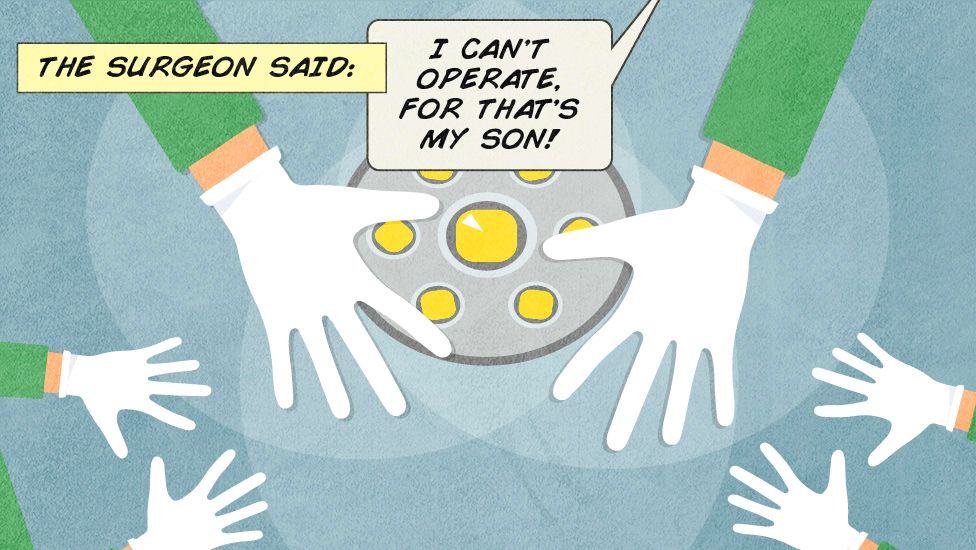
Consider the activity models and answer the questions provided. First reflect on these questions on your own briefly, before discussing and comparing your thoughts with your group. Appoint one member of your group to discuss your findings with the class, and the rest of the group should help that member prepare their response. Answer each question individually from the activity, and compare with your group to prepare for our whole-class discussion. After class, think about the questions in the reflective prompt and respond to those individually in your notebook. Report out on areas of disagreement or items for which you and your group identified alternative approaches. Write down and report out questions you encountered along the way for group discussion.Model 1: Unconscious Bias
Questions
- Can you think of examples of unconscious bias that are beneficial from an evolutionary perspective?
- How might AI be trained to recognize certain groups of people, and what real-world consequences can you think of?
- What can we do to mitigate our unconscious bias, given that we can't necessarily identify them all specifically?
Try It: Measuring Bias with Fairness Metrics
Bias in a system is not just a feeling — it can be measured. This notebook builds a small simulated resume-screening dataset in which a historical process disadvantaged one group, then computes the standard fairness metrics used in real audits: selection rates, demographic parity, the four-fifths (80%) rule, and equal opportunity. Along the way you’ll see why a model that “never sees” a group attribute can still discriminate through proxies.

Click the badge to run the notebook in your browser with Google Colab (no installation required), or download the notebook to run it locally with Jupyter.
Explore Further
- ProPublica - Machine Bias — the landmark investigation of the COMPAS recidivism-risk tool; a concrete case where the fairness definitions in the notebook (calibration vs. equal error rates) mathematically conflict.
- Gender Shades (Buolamwini & Gebru, 2018) — an audit showing commercial face-analysis systems performed far worse on darker-skinned women; the interactive site summarizes the paper visually and in text.
- Google - People + AI Guidebook — practical design patterns for building AI-backed interfaces that make model limitations and confidence visible to users, one mitigation for the “rubber-stamping” problem explored in the notebook.